CLACKLINE
For iPhone, iPad and Apple TV
Notes that land with a clack.
Type a few words on your iPhone and they land on the Apple TV across the room, flap by flap.

Pizza night. Dinner at 7.
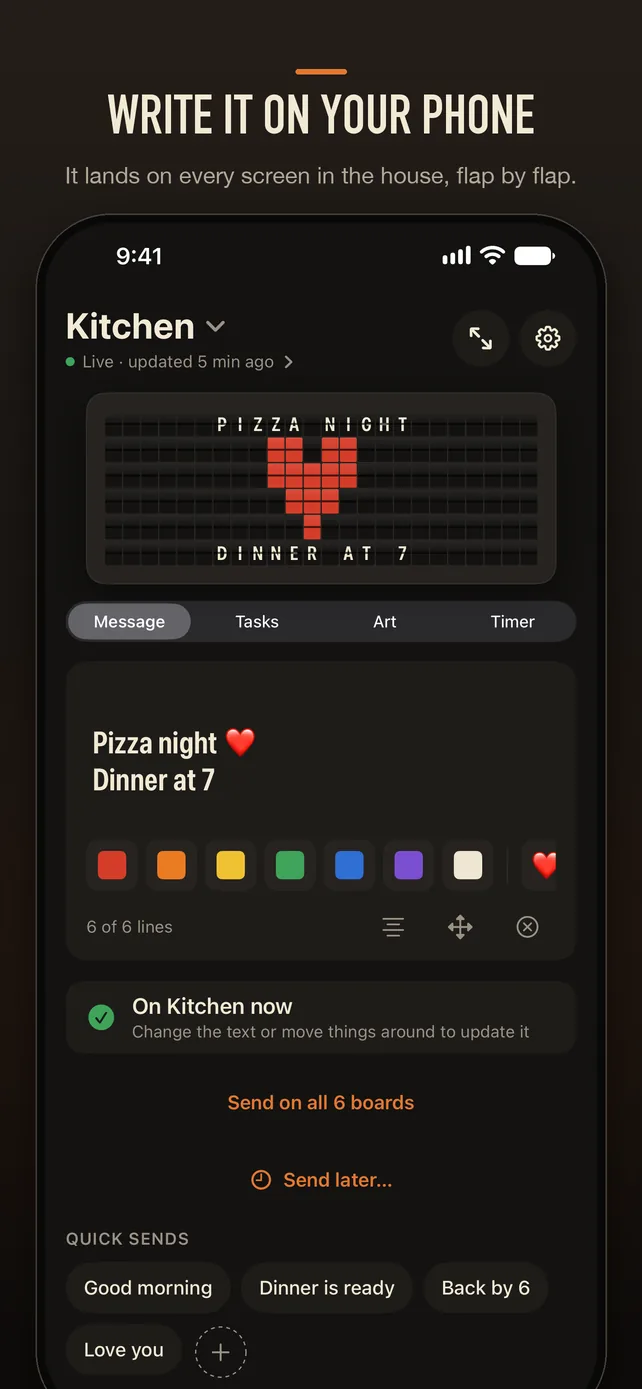
Write it on your phone
It lands on every screen in the house, flap by flap.
- A message: a few words, a pictogram if you like, and hold any word to drag it anywhere on the board.
- Tasks: a colored chip for every job, ticked off from your phone.
- Pictures made of colored tiles, or a photo turned into tile art. Keeping photos is part of Clackline Plus (in-app purchase).
- Quick sends and templates for home, celebrations, reminders, the seasons and work.
- Or ask Siri: “Post to Clackline.”
Send later, once or on a schedule, is part of Clackline Plus (in-app purchase).
A day on the board
The board on the kitchen TV, from breakfast to bedtime.
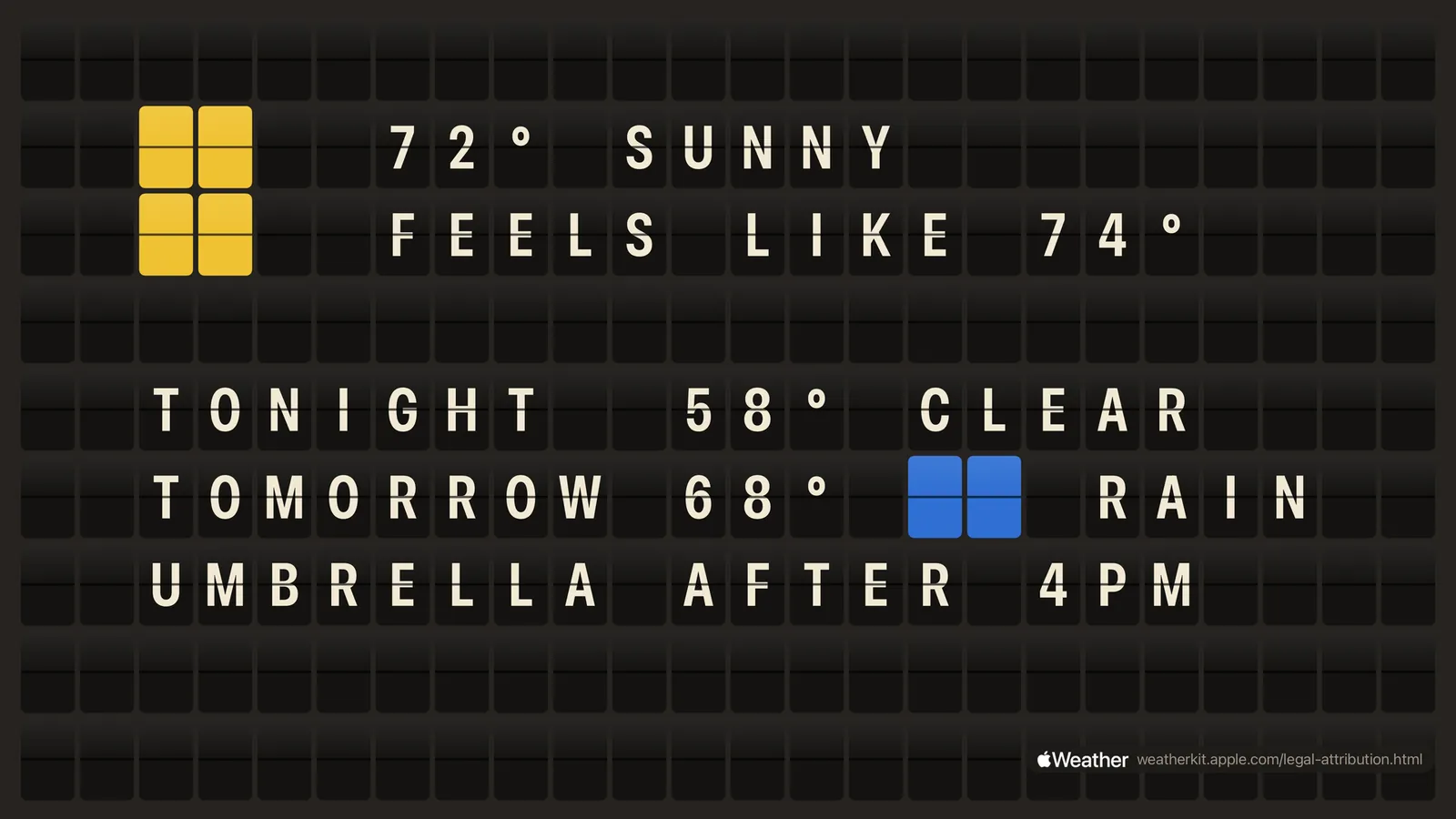
The weather for today, tonight and tomorrow, before anyone asks.
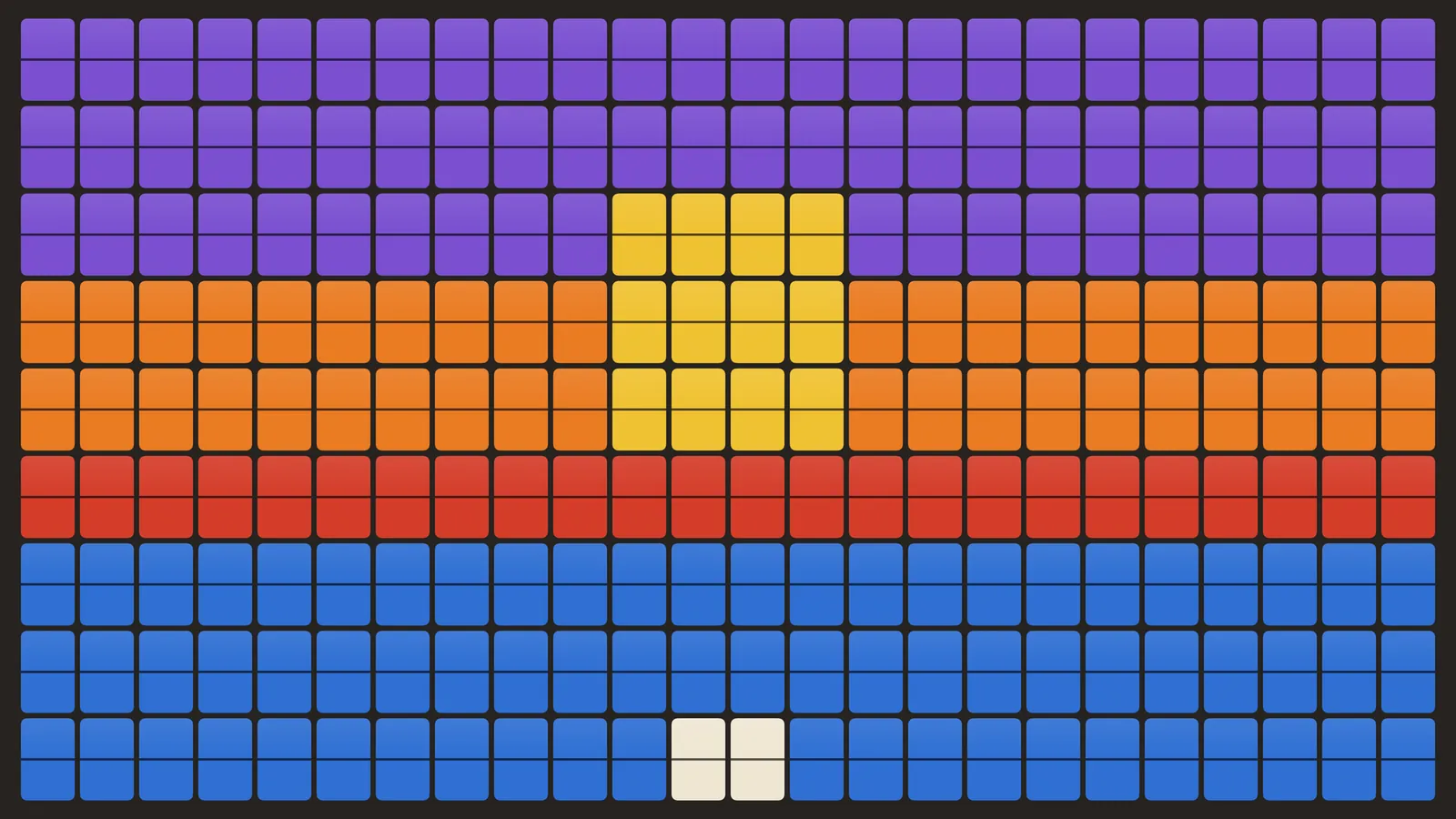
Pictures made of colored tiles.
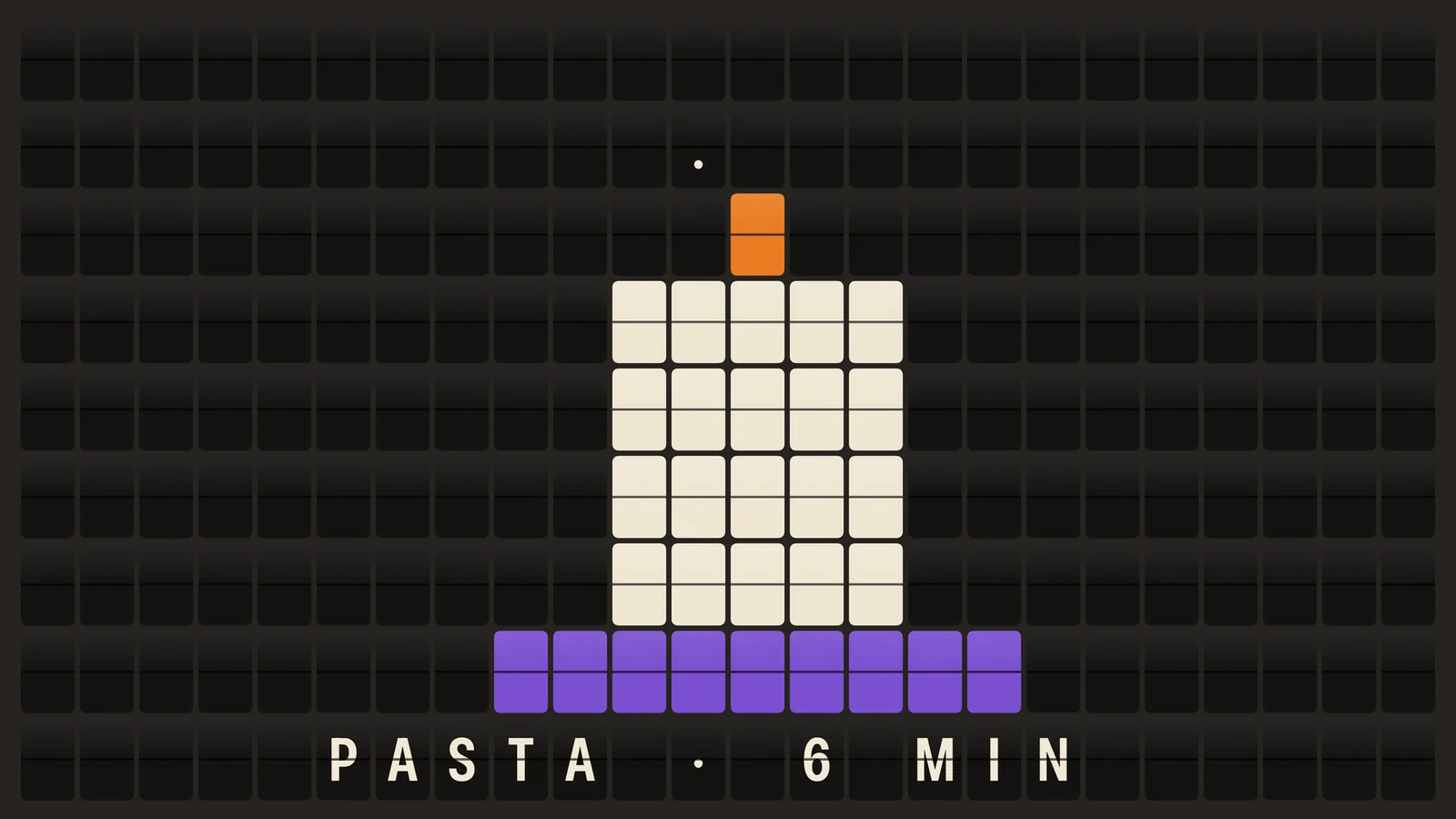
A timer the whole kitchen can see. Picture timers like this candle are part of Clackline Plus (in-app purchase).
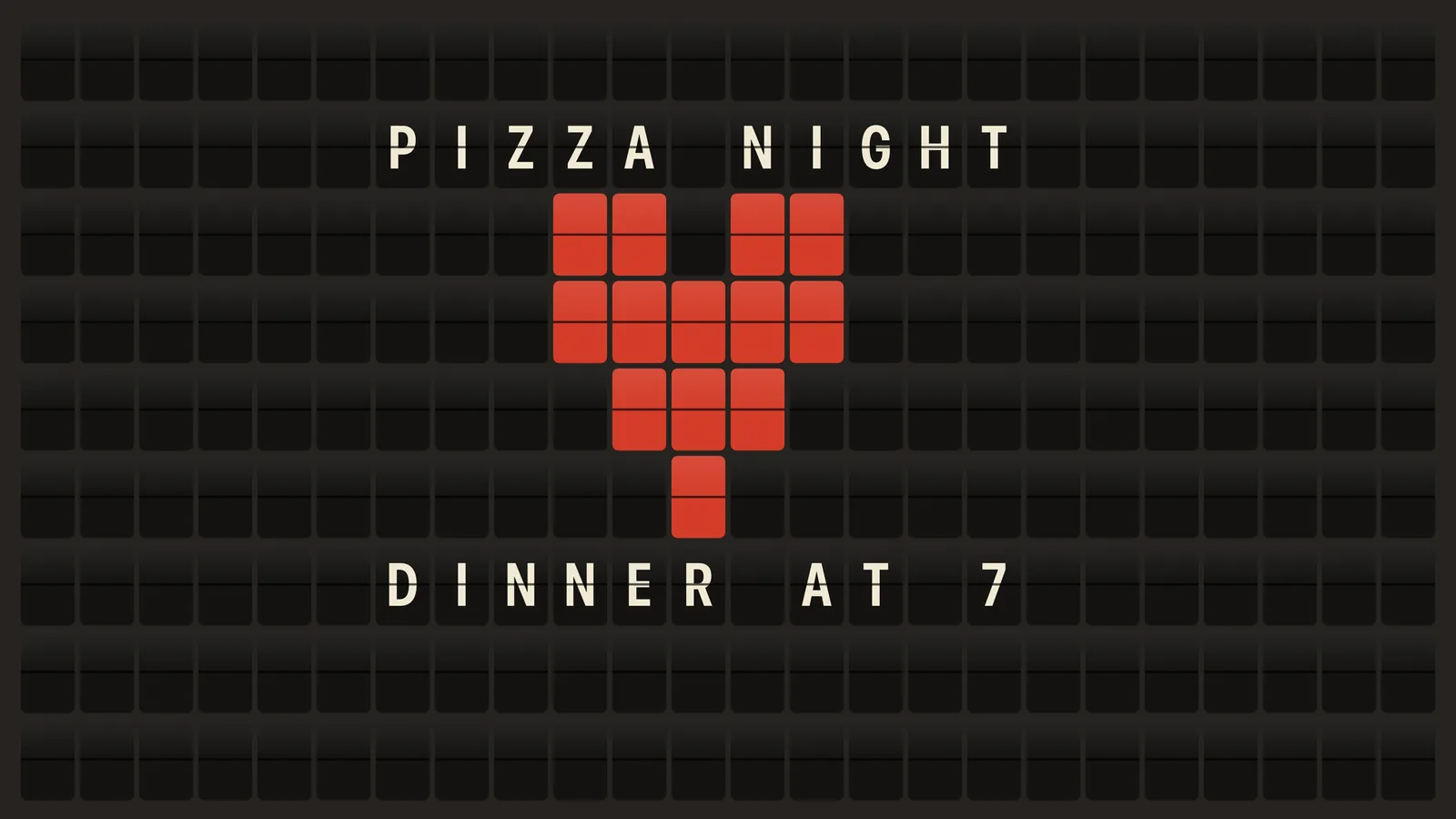
Written on a phone, waiting on the kitchen TV.
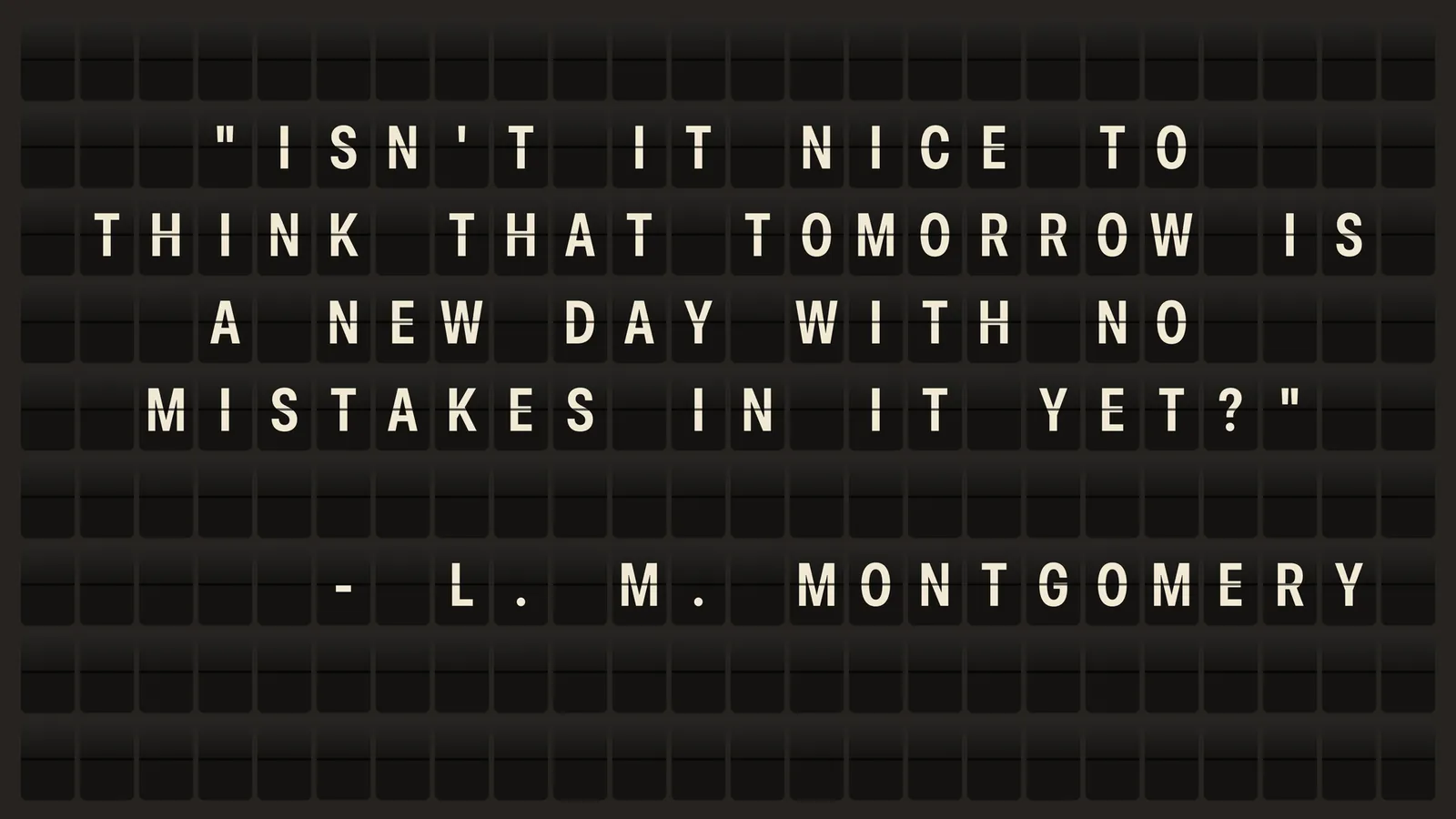
A quote of the day to end on.
OvernightSet rest hours, and nothing flips on the clock until morning.
On the screens you already have
Apple TV
The biggest board in the house, edge to edge. Press play/pause on the remote for boards, quick sends, typing a message, timers and sound.
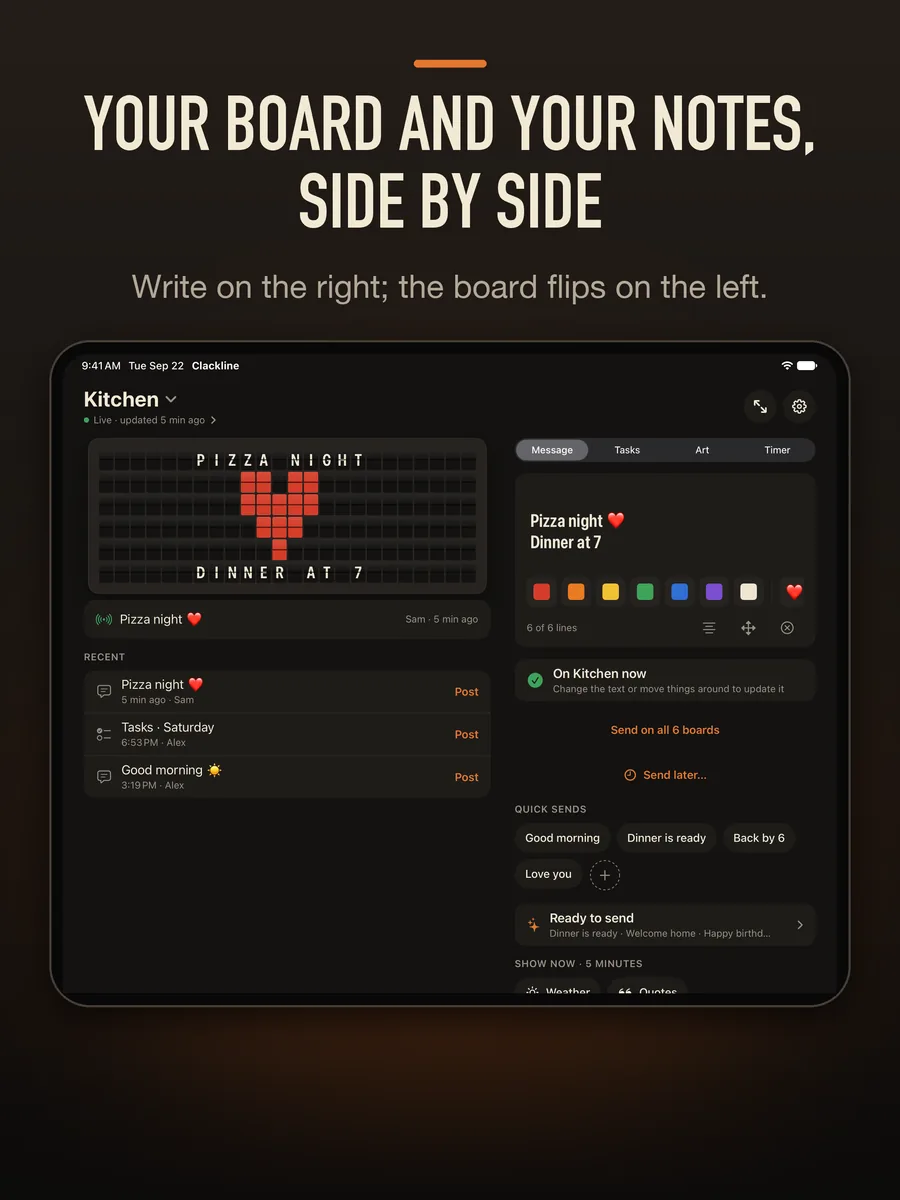
iPad
The board on the left and your notes on the right, or stand it in the kitchen as the board.
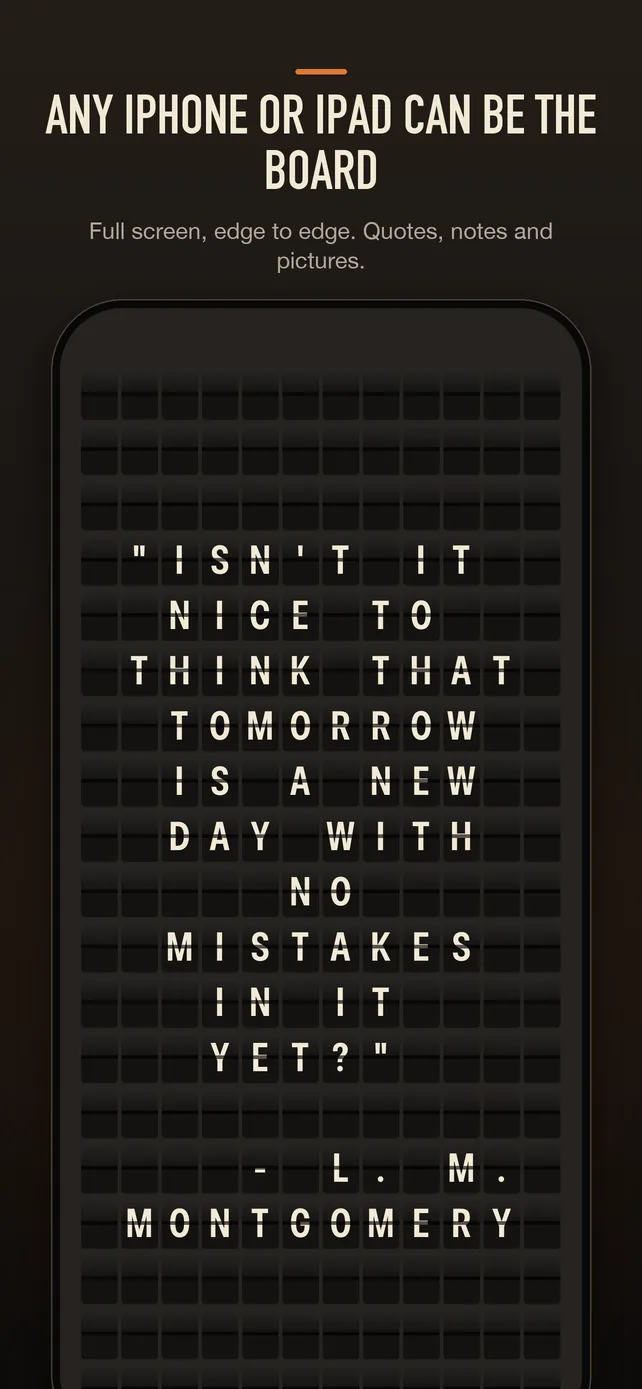
A spare iPhone
Board mode turns an iPhone into the board on a desk, a shelf or a nightstand.
One purchase covers every iPhone, iPad and Apple TV on your Apple Account, and your family through Family Sharing.
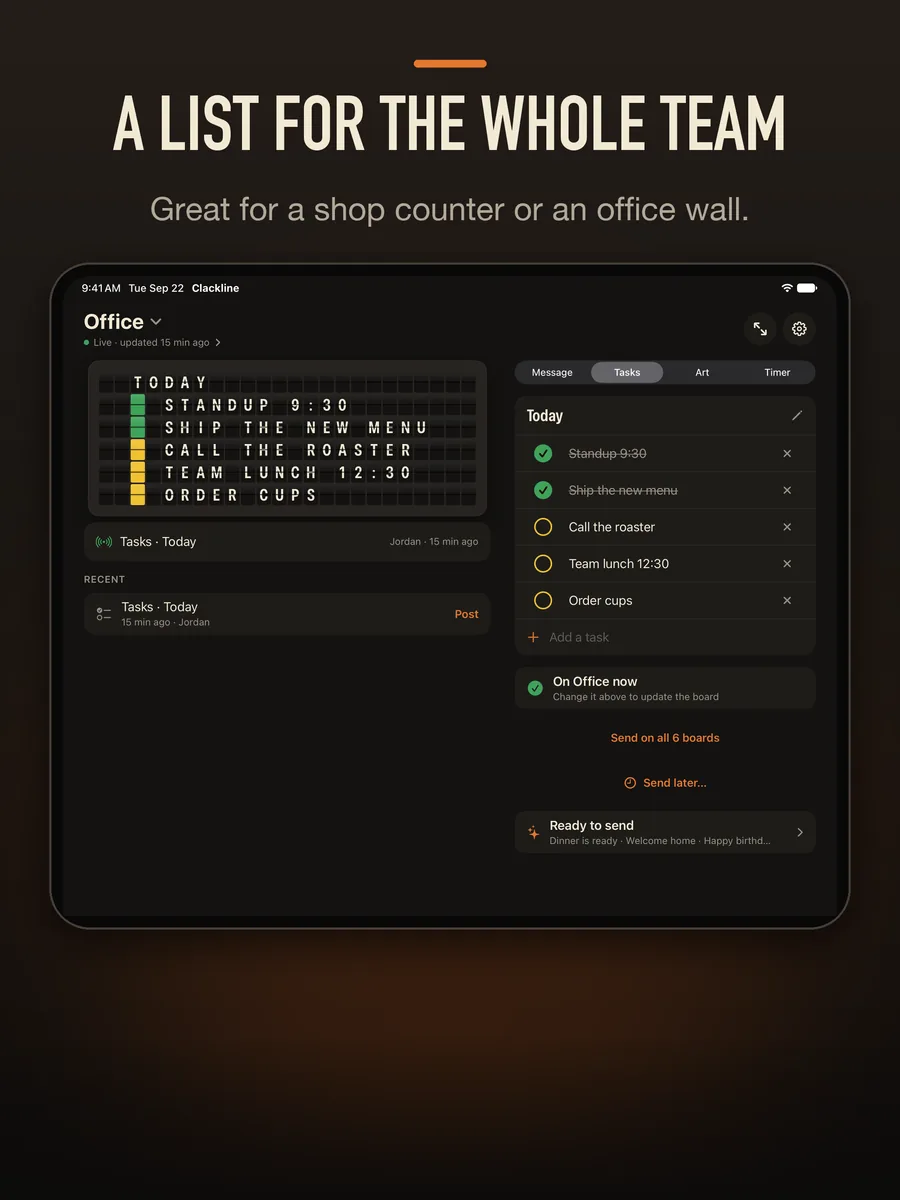
For a counter or an office wall
Opening hours on the counter. Today’s list by the coffee.
Clackline works the same in a shop or an office as it does at home: write on a phone, and the board on the wall flips. With Clackline Plus (in-app purchase), every room gets its own board.
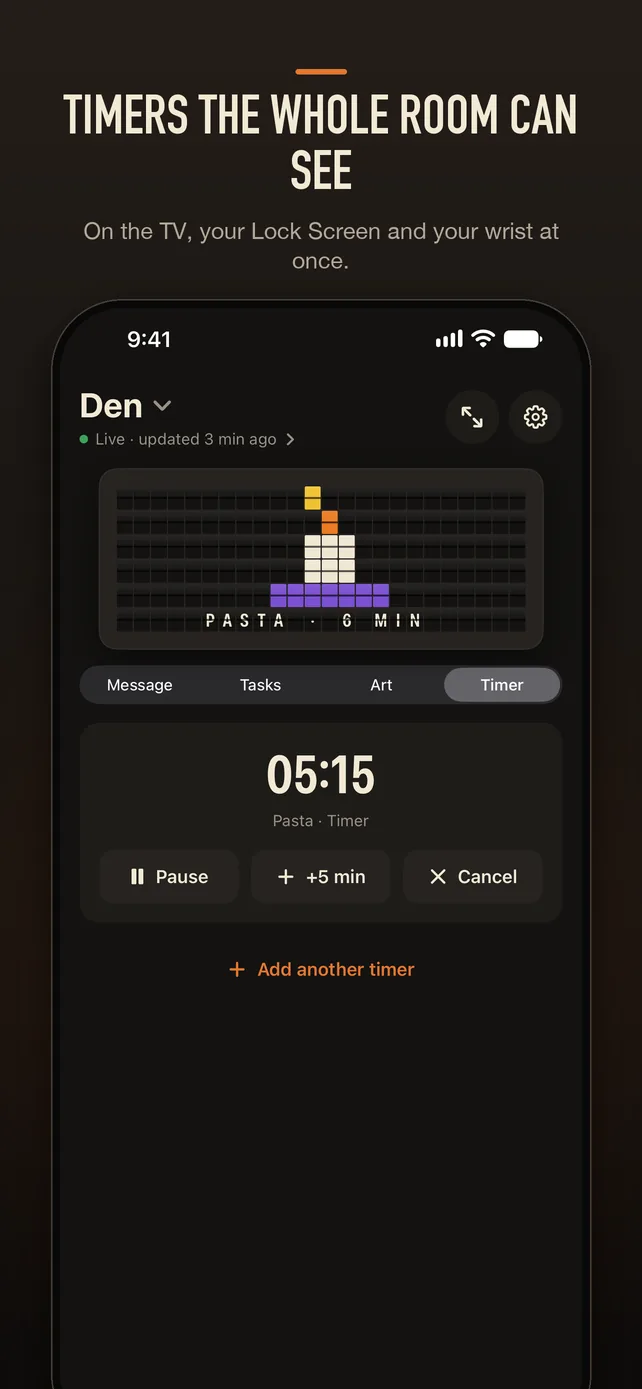
Timers the whole room can see
On the TV, on your Lock Screen and in the Dynamic Island, and on Apple Watch through the Smart Stack. A handbell rings when one ends.
- One timer is included, as a flip clock or a tile bar.
- Clackline Plus (in-app purchase) runs up to six at once, with picture timers (sunset, wedge, hourglass, candle) and finishes (cascade, confetti, flash).
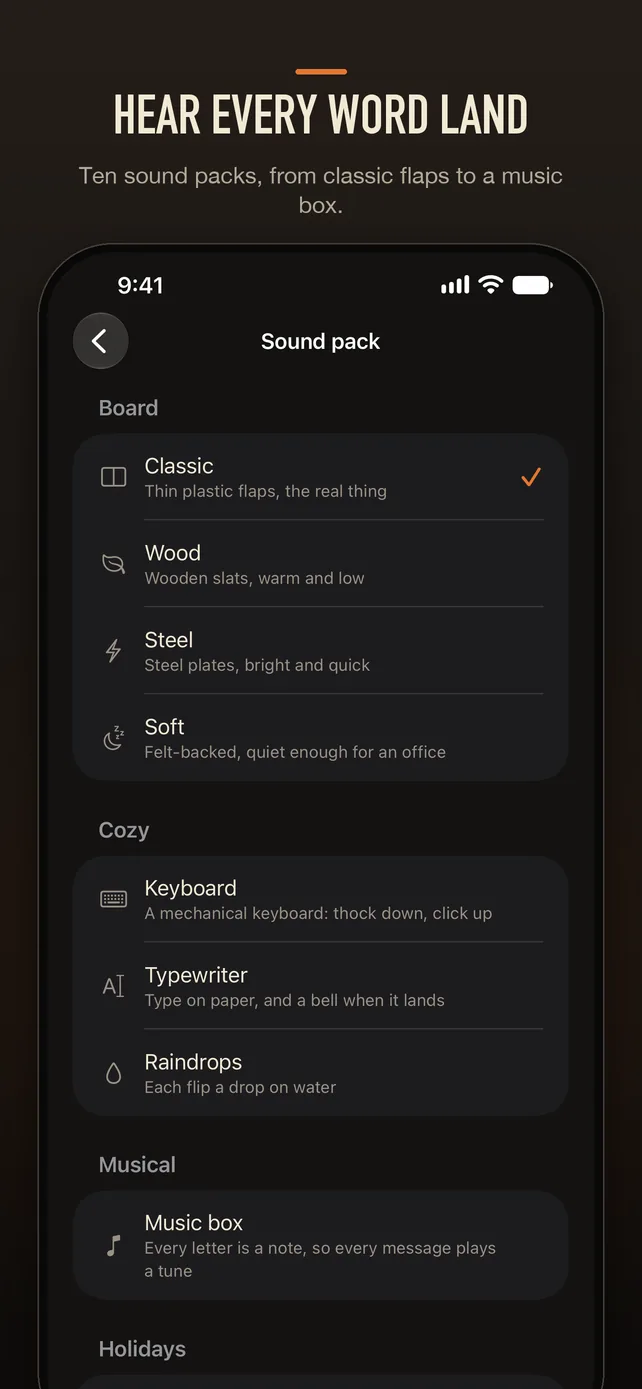
Hear every word land
Ten sound packs, from classic flaps to a music box.
Classic and Wood are included. The other eight come with Clackline Plus (in-app purchase).
The app’s own clack, synthesized in your browser.
Privacy
Nothing stored on our servers. We don’t have any.
No account
Boards keep in step through your own iCloud. If iCloud is off, everything stays on the device.
No tracking
No analytics, ads or third-party SDKs. The App Store privacy label is Data Not Collected.
Straight to the source
Each feed asks its own source, from your device. Weather uses a rough location, and only when you ask for weather.
Clackline Plus · in-app purchase
Every room, every feed, every sound.
$29.99 a year
with a 14-day free trial for new subscribers
or $3.99 a month, or $79.99 once
One purchase covers every iPhone, iPad and Apple TV on your Apple Account, and your family through Family Sharing. If Plus ends, nothing on your boards is deleted; they go back to the free board.
One board stays free for good
- One board on every screen
- Every way of posting
- Weather
- A countdown
- A quote of the day
- A short rotation and one timer
Clackline Plus adds
- As many boards as you have rooms
- Every live feed (scores, headlines, your calendar, your number, every quote and your own)
- Unlimited rotation with time rules
- Scheduled posts and a board that flips on its own
- Several timers at once with picture timers and finishes
- The Seamless look
- Every sound pack
- Photos turned into tile art
Payment is charged to your Apple Account when you confirm the purchase, or when the free trial ends. Subscriptions renew automatically unless canceled at least 24 hours before the end of the current period. Manage or cancel in Settings › Apple Account › Subscriptions. Subscription terms · Terms of Use
Questions
Do I need an Apple TV?
No. Any iPhone or iPad can be the board, and you can write from any of them. An Apple TV makes the biggest board in the house.
Is there an account to make?
No. Clackline keeps boards in step through your own iCloud. Nothing is stored on our servers; we don’t have any.
What does it run on?
iPhone, iPad and Apple TV, with iOS or tvOS 17 or later. There’s no Mac or Apple Watch app; timers reach your watch through the Smart Stack.
Does the board need the app open?
Yes. The board is Clackline, open on that screen. Weather and the other feeds refresh while it’s open.
Can a shop or an office use it?
Yes. It works the same on a counter or an office wall, and Clackline Plus (in-app purchase) gives every room its own board.
What if Plus ends?
Nothing on your boards is deleted. They go back to the free board.
Write something. Hear it land.
Clackline is on the App Store for iPhone, iPad and Apple TV.